
 WishlistGenius
Let shoppers save it for later.
Let shoppers save products, share a list and return when they are ready.
Continue on wishlistgenius.com. Downloads and demos follow that product’s current terms.
Choose by the work
Start with what you need.
WishlistGenius Free
You need shopper-facing wishlists for guests and accounts, saving multiple products and variations, sharing, private notes, individual-item purchases and basic styling.
- One wishlist for guests and account holders
- Unlisted sharing and individual-item add-to-cart
- Basic shopper-facing styling
WishlistGenius Pro
You need to inspect customer wishlists as a merchant, edit wishlist quantities, add selected/all items to cart, offer multiple lists or use existing requested follow-up and merchant reports.
- Up to 50 lists
- Imports and supported integrations
- Requested stock and price updates
Current availability. Free 0.5.9 is available on WordPress.org. Eligible accounts receive the separate Pro 0.5.9 add-on. Shopper saving and sharing remain Free; merchant customer-wishlist inspection requires Pro.
Explore all 11 capabilities and their limits
Free includes
- One wishlist for guests and account holdersSave multiple products within supported limits, selected variations and private notes in one guest/account wishlist.
- Unlisted sharing and individual-item add-to-cartPrivate by default, optional unlisted links and individual-item purchases. Normal WooCommerce cart quantity controls remain available.
- Basic shopper-facing stylingKeep the basic styling controls for the shopper-facing wishlist. Moving merchant inspection to Pro does not change shopper saving or sharing.
Pro adds
- Up to 50 listsOrganize separate purposes or recipients; not an unlimited-list promise.
- Imports and supported integrationsUse the documented review and compatibility workflow rather than assuming every wishlist format is supported.
- Requested stock and price updatesExplicit requests, guest confirmation and separate permissions for reminders or offers; sending starts paused.
- Saved-interest and attributed-order reportsReview saved interest, wishlist-attributed orders and refunds by currency. This is not proof of conversion lift or incremental sales.
- Editable wishlist quantitiesManage desired quantities on the wishlist. Saved values are retained if Pro is deactivated.
- Selected-item bulk and whole-list add-to-cartAdd selected saved items or the whole list with wishlist quantities. Merchant edition explanations do not become shopper vendor upsells.
- Merchant customer-wishlist inspectionThe merchant inspection interface and its customer-wishlist detail processing belong to the separate Pro add-on. Shopper-facing wishlists and sharing remain Free.
- Product-image save heartsAdd the documented product-image heart controls with Pro. Basic shopper-facing wishlist styling and ordinary save controls remain Free.
An example workflow
Save a selected product variation with a private note and add that item individually in Free. Use Pro to manage quantities on the wishlist and add selected items or the whole list.
Requirements, setup and important limits
Requirements and first steps
WordPress 6.7+, PHP 8.2+ and a WooCommerce 10.0+ release compatible with your WordPress version. WordPress 6.7 was tested with WooCommerce 10.3.8; newer WooCommerce releases may require newer WordPress. WooCommerce must be active. Single-site WordPress only; multisite is not supported. Requested follow-up requires a working mail setup and appropriate shopper permissions.
- Back up and test on staging. Install WishlistGenius Free from WordPress.org, or upload its official directory ZIP through WordPress → Plugins → Add New Plugin → Upload Plugin.
- Activate Free, choose the wishlist page, add a return link in the shop navigation and review the save-button and wishlist styling.
- Test saving a product and variation as a guest and an account holder, private notes, optional unlisted sharing and individual-item add-to-cart.
- For Pro, install matching Pro 0.5.9 after Free and explicitly activate its licence. Pro 0.5.9 requires Free 0.5.9 or later within the 0.5.x series; use the matching 0.5.9 pair. Update Free first, then Pro without uninstalling. Keep sending paused until mail settings, workflow choices and shopper permissions have been reviewed and tested.
Activation, updates and licences
Free needs no account or licence. Pro has an explicit initial activation. Optional communications are separate from shopper permissions; ordinary expiry or an outage does not remove previously activated local Pro tools.
Straight answers
Questions about WishlistGenius
What remains available to shoppers in Free?
Shopper-facing wishlists, saving products and variations, sharing, private notes, individual-item purchases and basic styling remain Free.
What customer-wishlist interface requires Pro?
The merchant’s customer-wishlist inspection interface requires the separate Pro add-on. This does not turn ordinary shopper saving or sharing into a paid feature.
Do the other Pro features change?
Existing Pro features such as multiple lists, wishlist quantities, bulk cart actions, requested follow-up and reports retain their current edition boundaries.
What is available to download or purchase?
Free 0.5.9 is available on WordPress.org. Eligible accounts receive the separate Pro 0.5.9 add-on. Shopper saving and sharing remain Free; merchant customer-wishlist inspection requires Pro.
What does installation require?
WordPress 6.7+, PHP 8.2+ and a WooCommerce 10.0+ release compatible with your WordPress version. WordPress 6.7 was tested with WooCommerce 10.3.8; newer WooCommerce releases may require newer WordPress. WooCommerce must be active. Single-site WordPress only; multisite is not supported. Requested follow-up requires a working mail setup and appropriate shopper permissions.
Do I need an account or optional signup to start?
Free needs no account or licence. Pro has an explicit initial activation. Optional communications are separate from shopper permissions; ordinary expiry or an outage does not remove previously activated local Pro tools.
Go to the source
Your next step, in the right place.
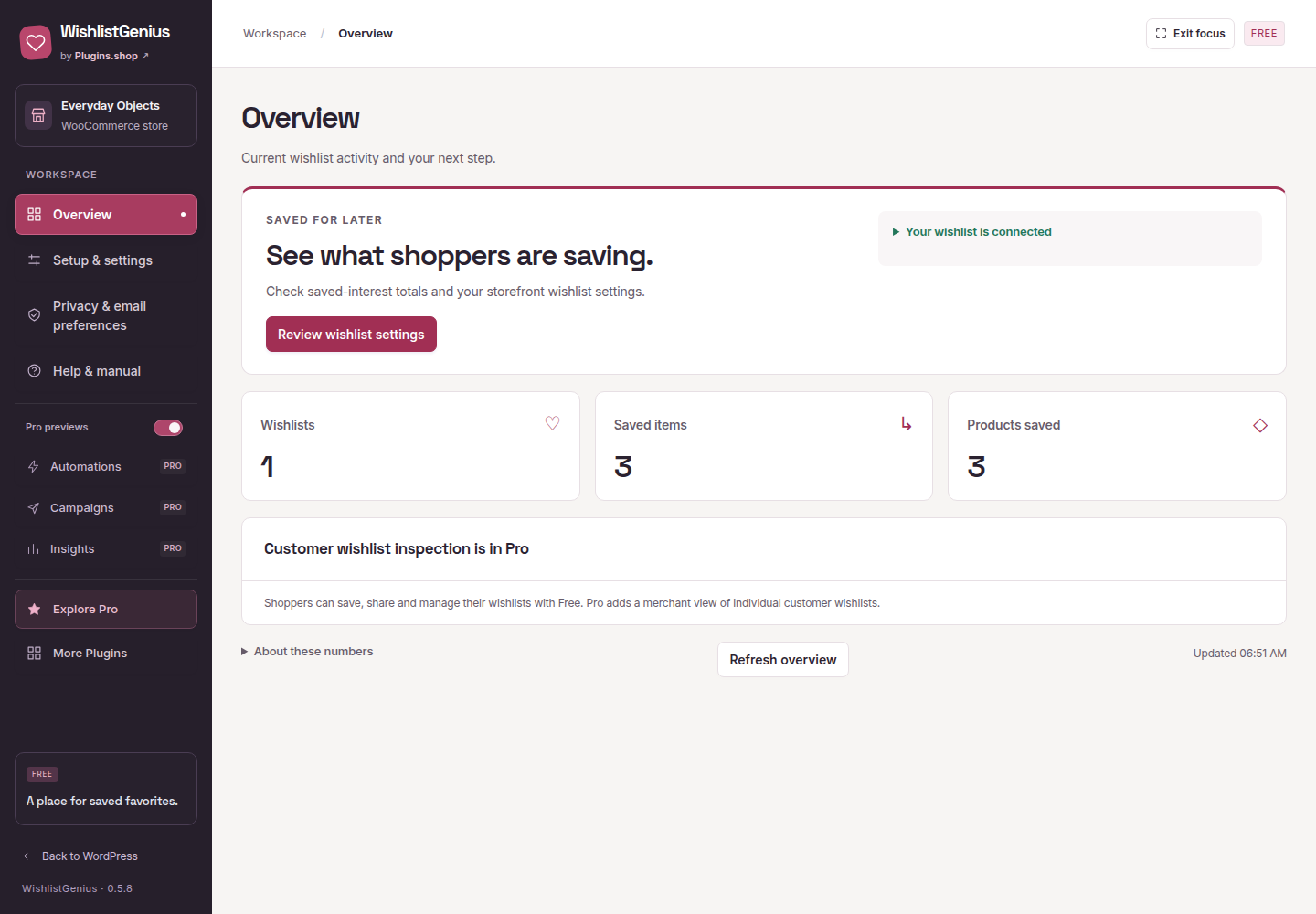
Release and availability checked 9 November 2026. Interface images use demonstration data; their captions identify the source.
Different job? Another useful tool.
Related tasks, not a tested integration or a requirement to install more plugins.