
WordPress · PRODUCT GUIDE
WordPress custom fields and structured contentwith CustomFields.com
CustomFields provides fields, relationships, blocks and listings for structured WordPress content. Free includes the content-building toolkit; Pro adds reviewed maintenance, recurring updates and submission workflows.
A useful fit for: Site builders organising directories, project pages, reusable content layouts or connected content types.
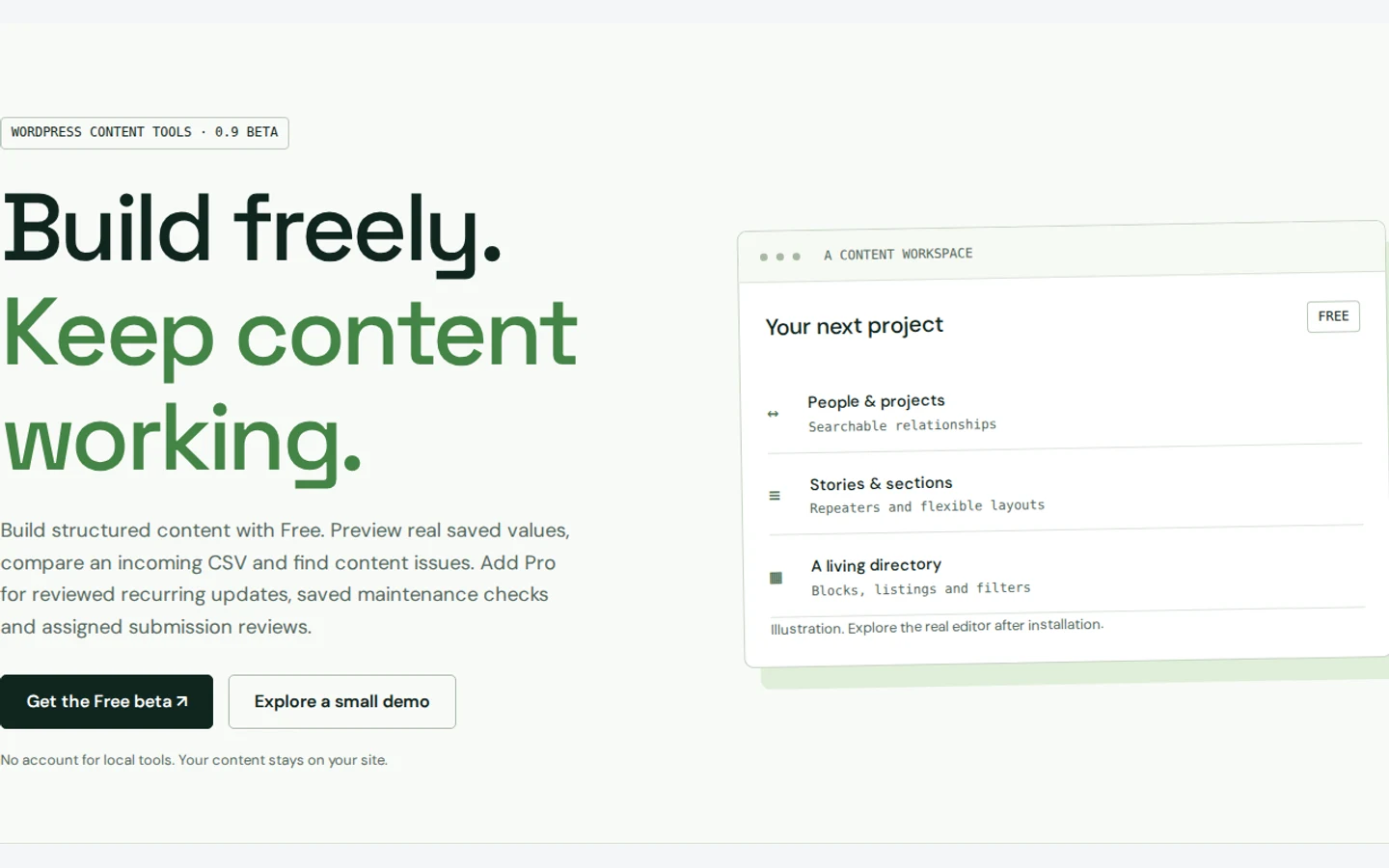
What CustomFields helps you do
Model the information
Define fields, repeaters, flexible layouts, content types and searchable relationships.
Build a useful editor
Use the field studio, conditional controls and live sample forms to make content entry clearer.
Put content on the page
Create configurable blocks, listings and filters, with WordPress and PHP integrations.
Free and Pro: choose by the work
CustomFields Free
The public Free beta includes 26 field types, relationships, blocks, listings, configurable editing controls and logged-in frontend forms.
CustomFields Pro
Reviewed recurring CSV updates, saved maintenance checks, submission review and deployment workflows are in private testing. Checkout and public Pro downloads are not open.
Edition details and availability were reviewed on 28 September 2026. Check CustomFields.com for current downloads, prices and purchase terms. Purchases and accounts are handled on the brand website.
A practical example
For a project directory, define a client relationship, project date and gallery, then build a listing from those fields. Try editing a real sample entry before copying the structure across the site.
A sensible first setup
- Choose one content type and describe the fields its editors need.
- Build a sample entry, test conditional controls and preview the frontend output.
- Review permissions, backup and any migration mapping before applying the structure more widely.
Questions about CustomFields
Do I need Pro to create fields and listings?
No. Fields, relationships, blocks and listings are part of the published Free toolkit. Pro focuses on reviewed recurring and maintenance workflows.
Is the browser demo the complete plugin?
No. The official site describes its small local demonstration separately from the complete WordPress plugin. Check the installed beta and documentation for the full workflow.
Where should I get the current installer and support?
Use CustomFields.com for the current release, requirements and support options. This guide helps you understand the product; it does not host installers or process purchases.
Continue on the official website
Read the product’s own instructions before choosing an edition or changing a site.